GitHub
To do the homework assignments in CSCI 150, you will need a GitHub account. GitHub is a platform that hosts software projects and is used widely for both academic and industry software development.
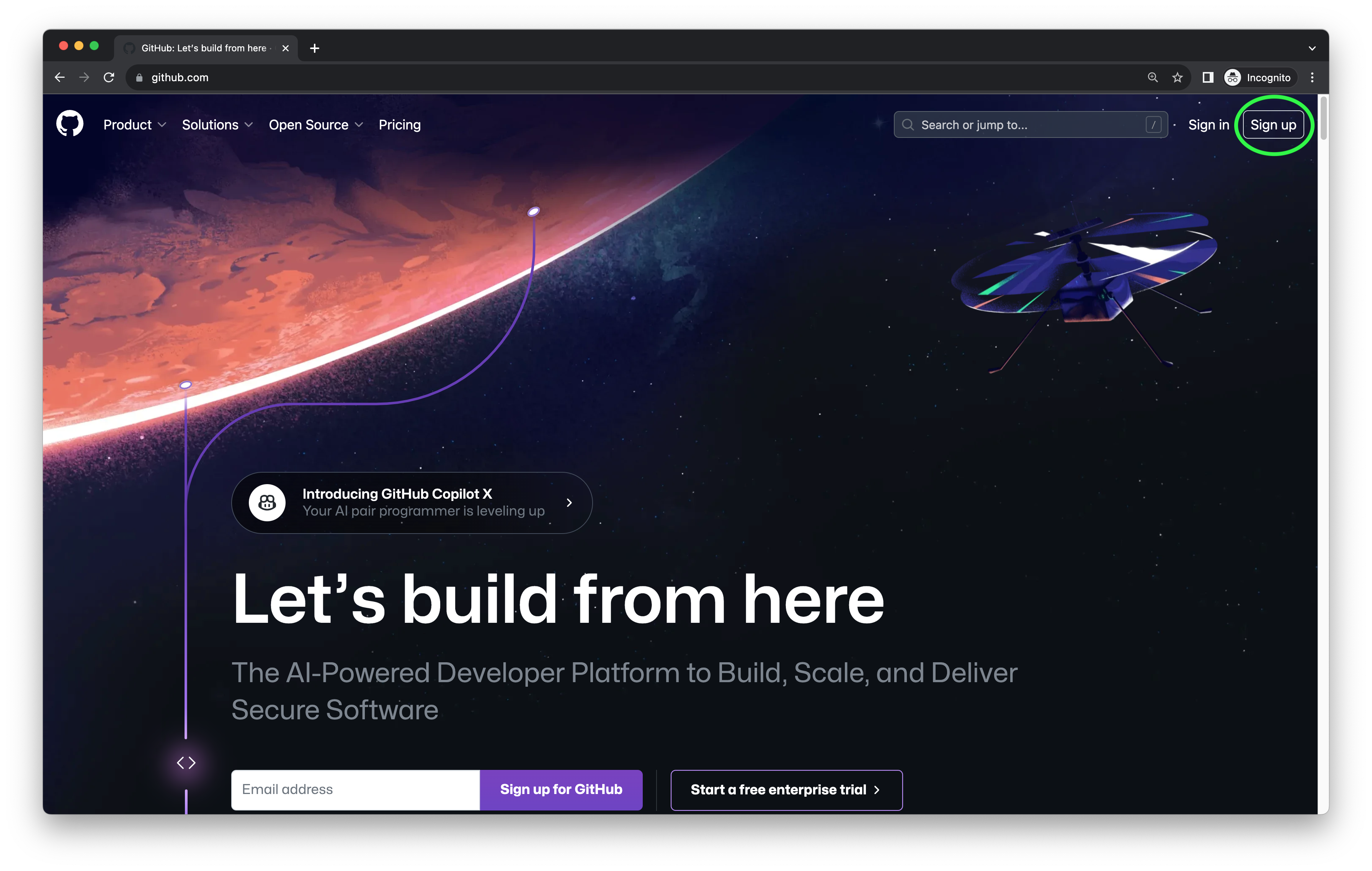
Let’s make a GitHub account!
- In your web browser, go to https://github.com/
- Click on the Sign Up button on the top right corner of the webpage.
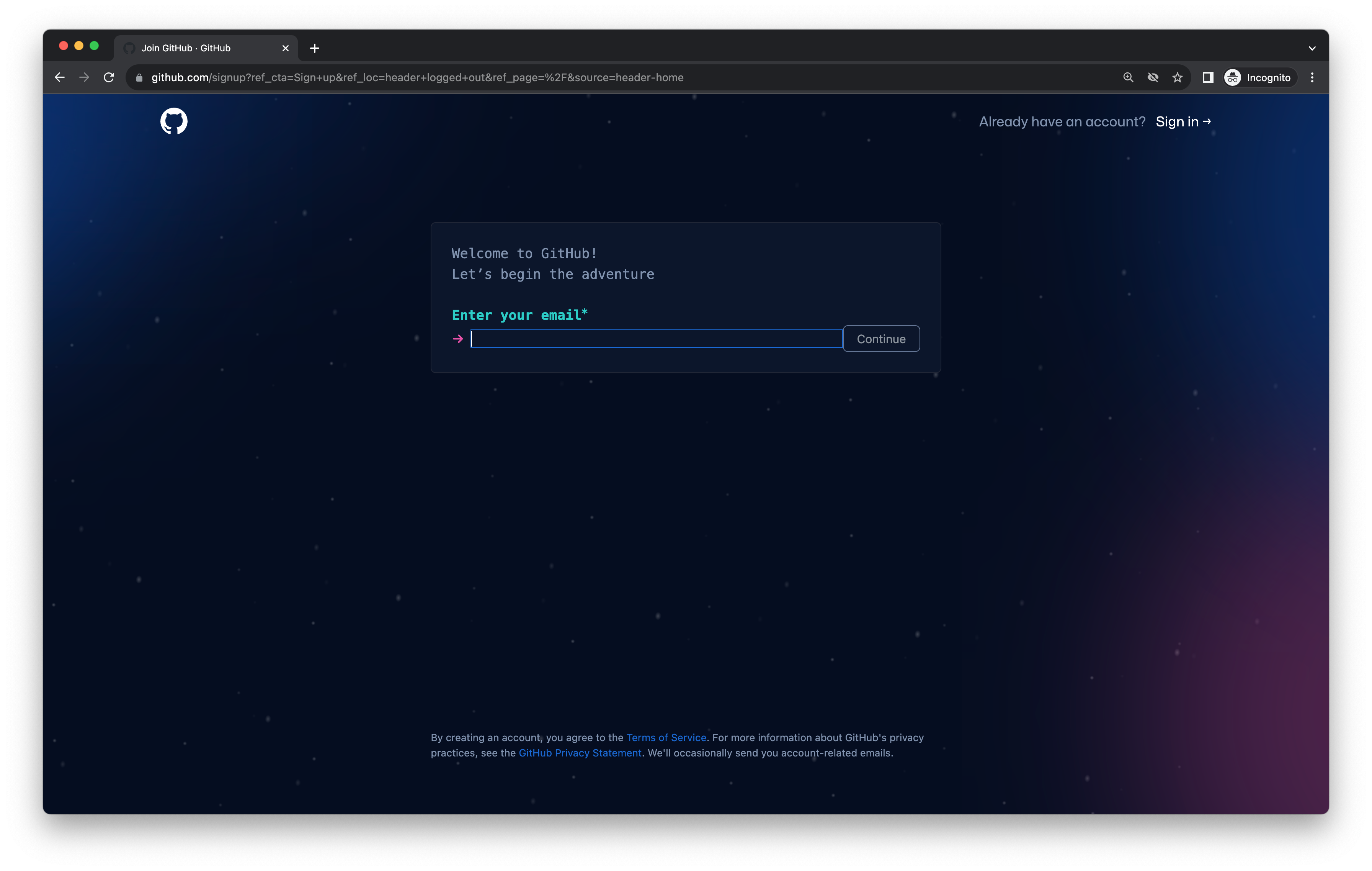
- Follow the instructions to enter an email, password, username, etc., then verify your account over email. We recommend that you use your Oberlin email address. Using your Oberlin email address gives you added benefits such as free Github Pro and the Student Developer Pack while you are a student!
- To be able to work on these labs, you will need to apply for GitHub’s Student Developer Pack resources. The Developer Pack provides students with a lot of resources for free, such as 90 hours each month of Codespaces usage hours and additional software development tools that will be useful after you complete the 150 curriculum. Codespaces are the platform we will use for reading, writing, and editing code, as you’ll see in Lab 1.
Each “Lab” homework assignment is a different coding project and therefore will have a different invitation link and repository. A GitHub repository (or “repository folder”) stores all of the files for a specific software project and records a history of how the project was edited over time. More on all this later once we start writing and saving programs.
Joining Classroom 50 and Creating Assignment Repositories
Each lab begins with a distinct assignment link. Normally, your instructor will share the assignment link via lecture slides or Blackboard announcement. Accepting the assignment will create a copy of the assignment that is only accessible to you, in which you can write your individual responses to the lab. Classroom 50 requires us to invite you to this semester’s GitHub organization before you are able to accept access to an assignment.
GitHub Username Collection
Please take a moment to submit the following two question google form, so we can add you to the classroom. This needs to be done BEFORE the day we start lab 1, so our staff has time to add you. This may not be done until very close to the Lab 1 lab period, so please don’t worry if you haven’t received it beforehand. Speak with your lab instructor on lab day if you are still concerned or joined the class late and need to be added.
README
If you are completing the pre-lab on or after the first lab period, please make sure you let your instructor or the lab manager know, so they can make sure you are able to access lab 1!